On PC, move with WASD, attack with the mouse, use Q/E/R/F for Arts, and dodge with Space. GameWith publishes those defaults; Steam confirms controller support, and the sections below separate keyboard controls from the partial pad notes.
Keyboard, as GameWith printed it
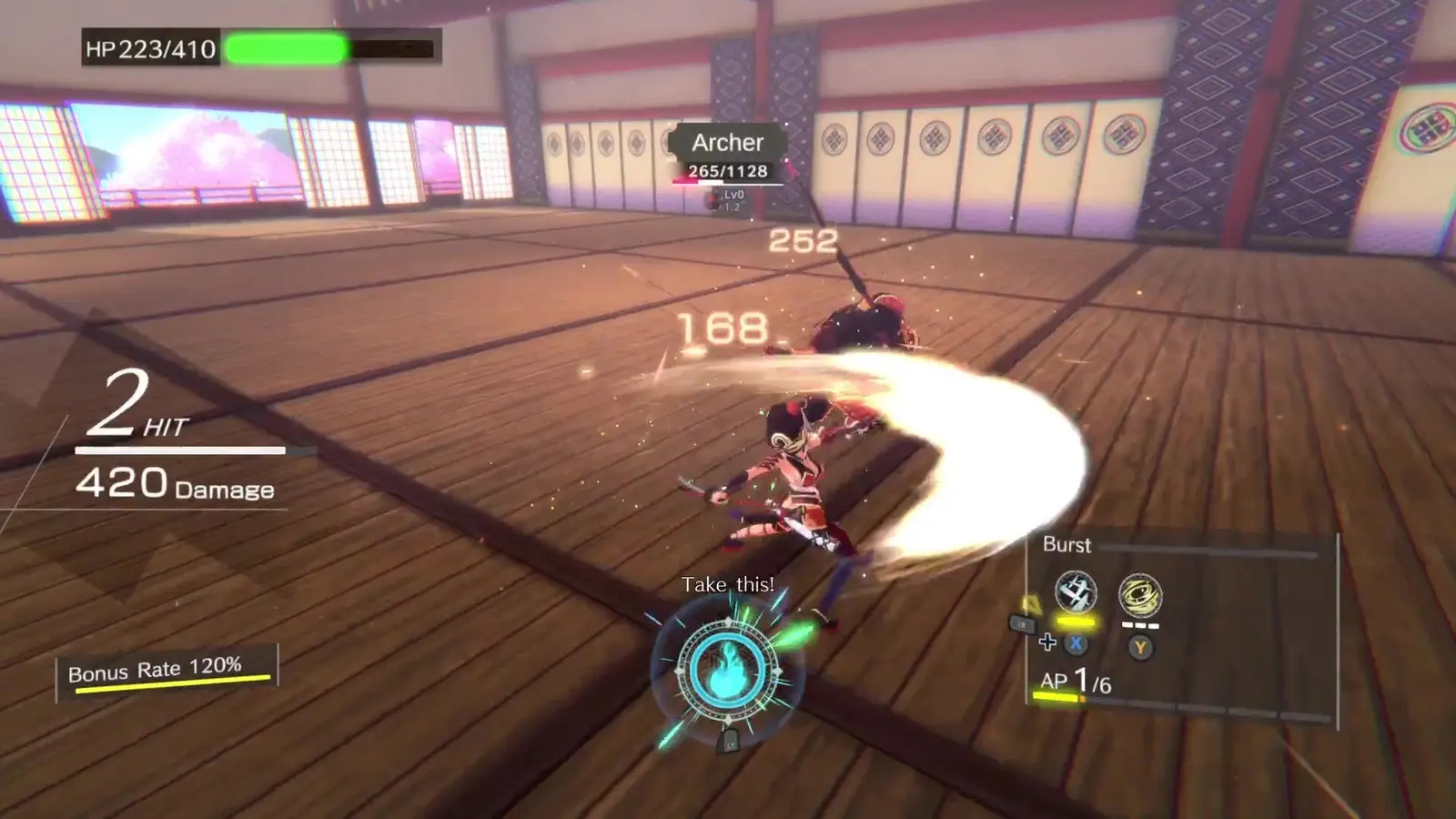
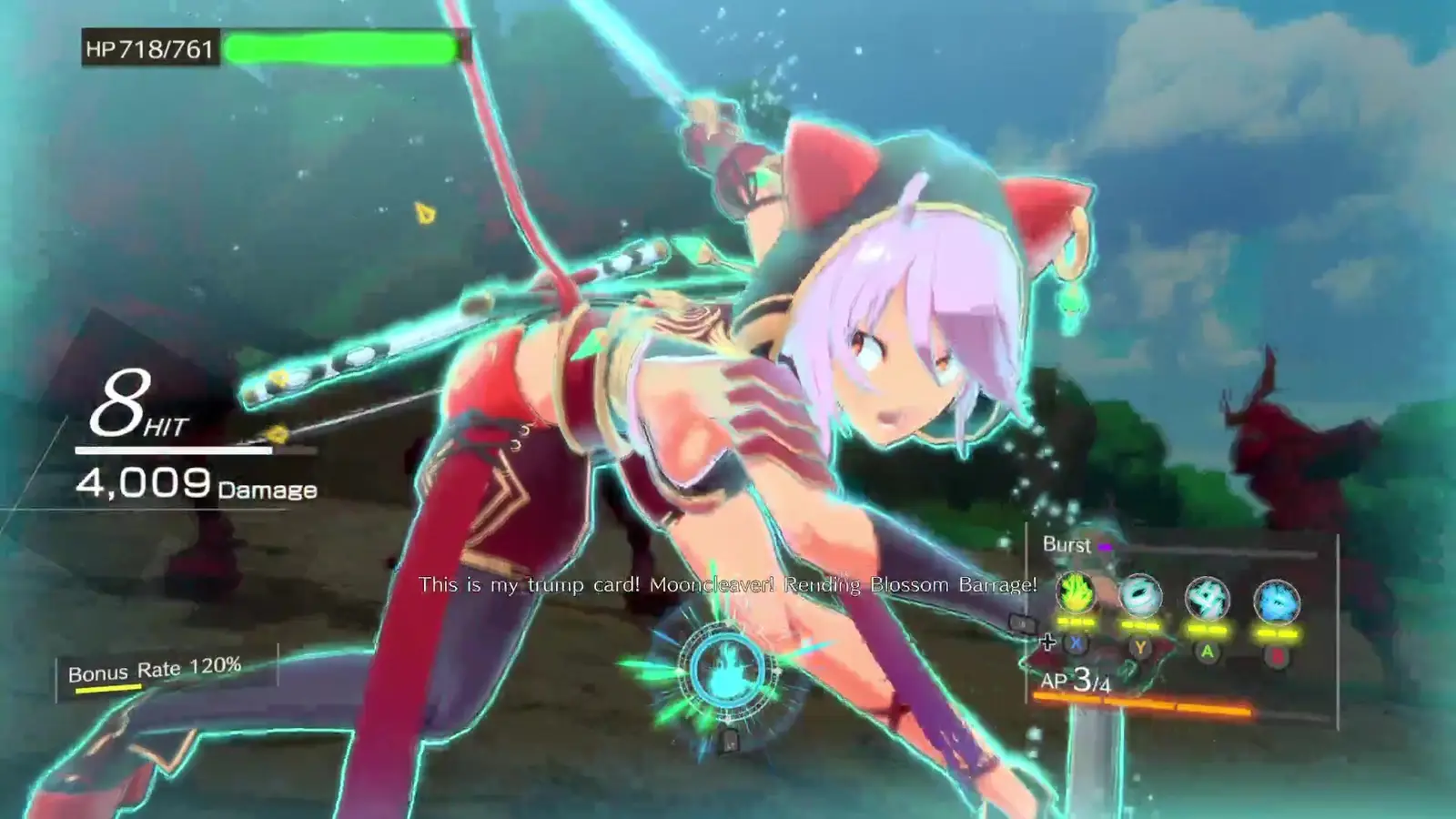
WASD moves. Left click is the light attack. Right click is the heavy attack. Q, E, R, and F are the four Arts. Space dodges. Left Shift holds the shield. Z starts Over-Tension. The Steam HUD also labels Tab as status and Esc as options, which matches the on-screen words in the combat screenshots.
That is a Japanese guide’s reading of the default PC scheme, checked against the HUD letters. It is not a scan of an official key-art card. If a later patch adds rebinding, this page does not claim the option exists today.
Controller, Switch, and Deck
Steam lists full controller support. NoobFeed played on an Xbox-style pad and describes RB as lock-on, the right stick as camera, and Arts as bumper, trigger, and face-button chords. The Steam screenshots show LB and the face buttons X, Y, A, B during combat, which proves the HUD can speak pad labels. It does not prove a complete map.
I will not relabel those Xbox words as Switch buttons. Nintendo has not posted a control diagram. Steam Deck is unconfirmed on the store page, so there is no Deck layout to print. Combat rules for the buttons that do exist are on the combat page.
Questions
Can I rebind keys?
No public page I checked describes a rebinding or accessibility menu. The gap stays open.
Does Steam Deck have an official rating?
Not on the store page checked 7 Nov 2026. This site does not call it Playable.
Related
Sources
- GameWith early guide — checked 2026-11-07
- NoobFeed review — checked 2026-11-07
- Steam store page — checked 2026-11-07